

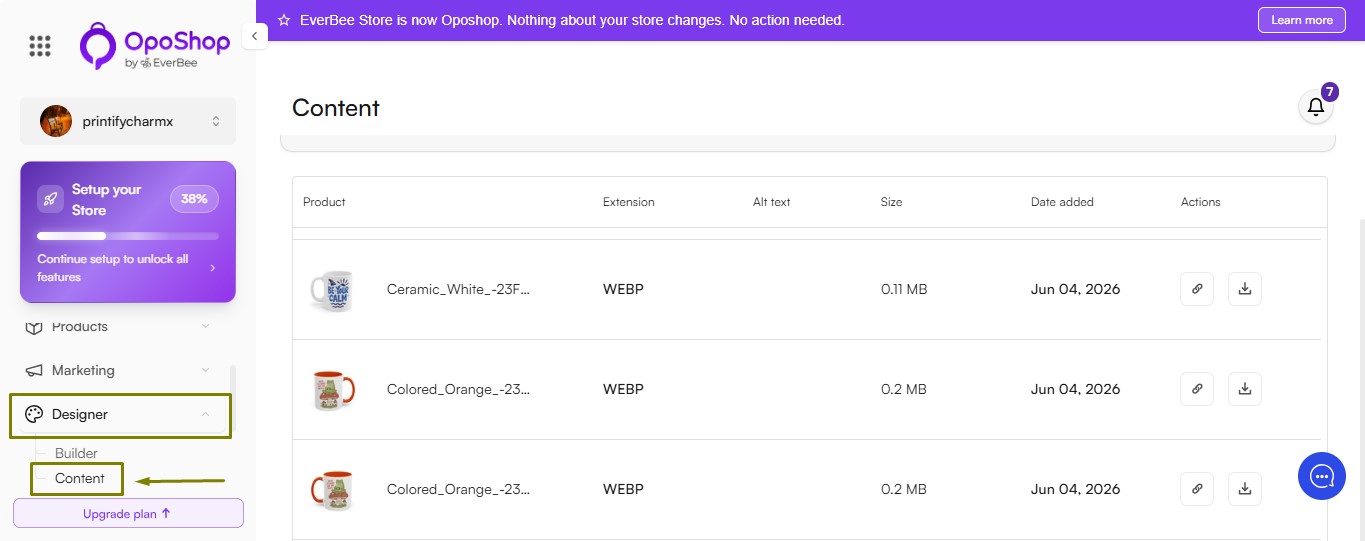
The Content section on your OpoShop lets you view and manage all images used for your products in one place. From here, you can review image details, update accessibility information, and keep your product media organized.
When you open the Content tab, you'll see a table containing the following information for each product image:
- Product Image – A thumbnail preview of the image associated with the product.
- File Format – Displays the image file type, such as .jpg, .png, or .webp.
- Alt Text – View or edit the alternative text used to improve accessibility and support search engine optimization (SEO).
- File Size – Shows the size of the image file, helping you monitor and optimize your site's performance.
- Date Added – Indicates when the image was uploaded or last updated.
- Actions – Copy the product's URL or export the product image directly to your device.
Keeping your product images optimized and your alt text up to date helps improve both the shopping experience and your store's SEO.
Actions You Can Take
Each product image includes quick actions to help you manage your store content more efficiently.
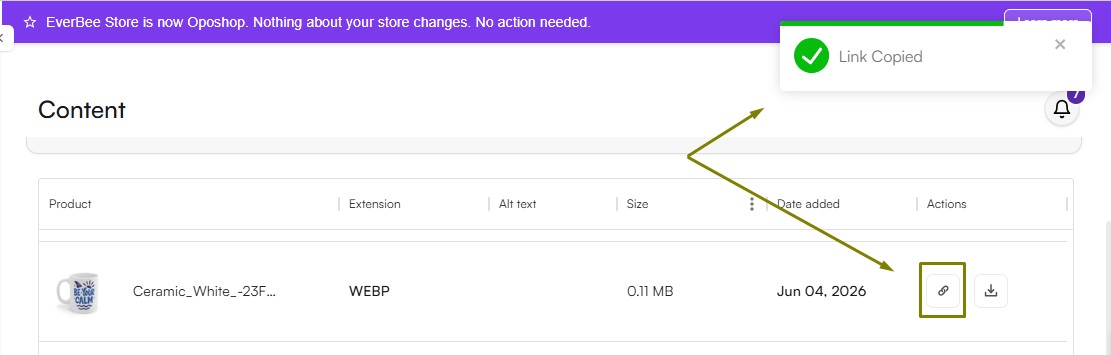
- Copy Listing URL
Click the Copy Listing URL icon to copy the direct link to the associated product listing. You can use this link to share your product or access it quickly.
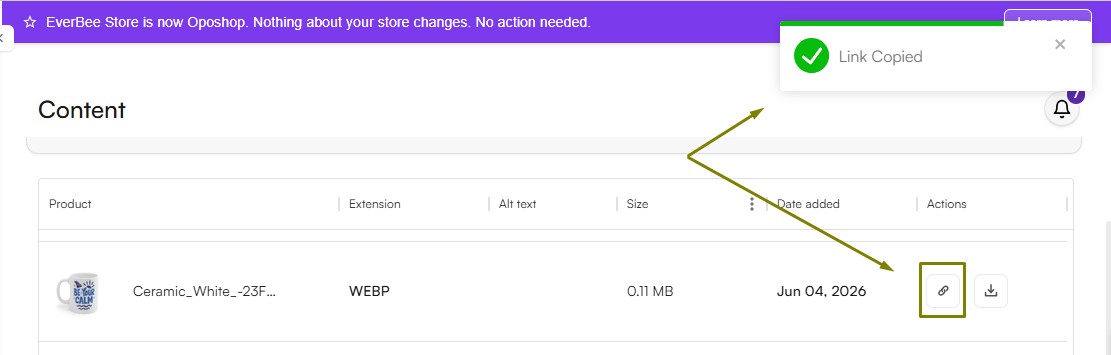
- Export Image
Click the Export Image icon to download the product image to your device. This is useful for creating marketing materials, editing the image, or keeping a backup of your product assets.
Customize Your View
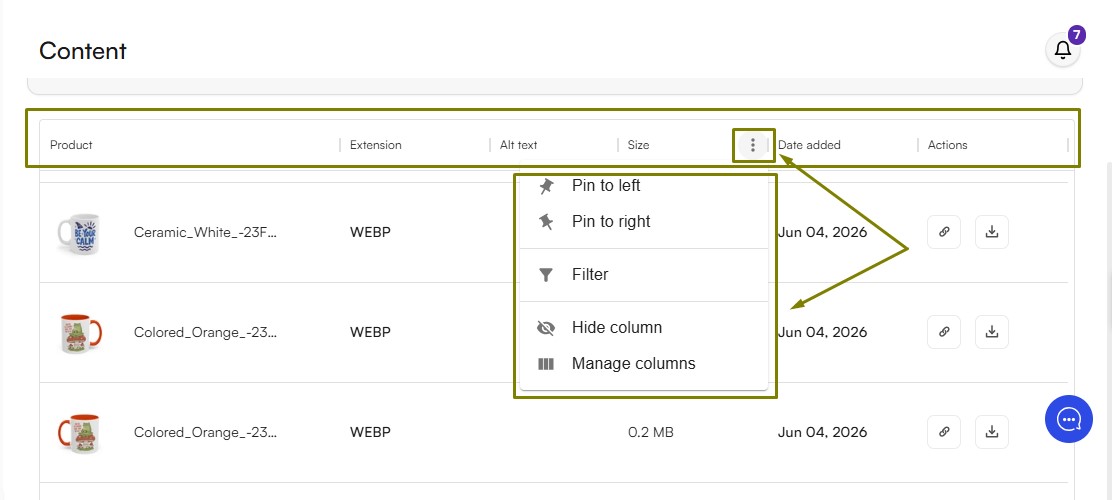
The Content table can be customized to help you find and manage your content more efficiently.
You can:
- Reorder Columns – Drag and drop columns to arrange them in your preferred order.
- Show or Hide Columns – Choose which columns are displayed based on the information you want to see.
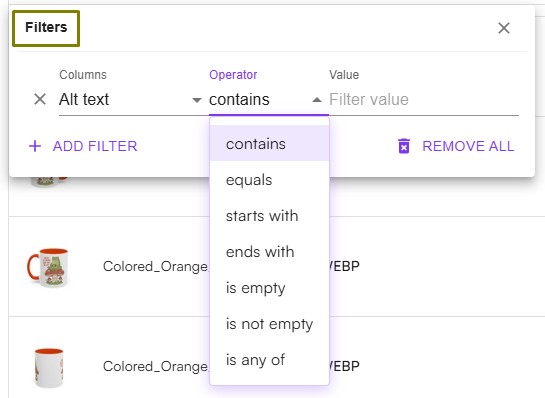
- Filter Button – Use the Filter option to quickly find specific product images by criteria such as file format, file size, or date added.
These customization options make it easier to organize your workspace and quickly find the information you need.
Tip: Keeping your product images optimized by using smaller file sizes, descriptive alt text, and supported file formats can improve your website's loading speed, accessibility, and search engine performance.