

OpoShop makes it easier than ever to turn your ideas into a thriving online business. Powered by AI, our platform helps you create, manage, and scale your store without the complexity of traditional ecommerce tools.
Simply describe your business, and our AI will build your digital downloads store for you in minutes. No coding, no inventory management, and no product sourcing required.
From store setup and product organization to launching your storefront, OpoShop handles the heavy lifting so you can focus on what matters most: growing your brand, reaching more customers, and making sales.
Get online faster, launch with confidence, and start selling sooner.

Already selling elsewhere? Easily connect your OpoShop store with your Etsy and Wix shops to streamline your operations and manage your business from one place.
Not sure where to start? Choose from one of our proven, high-demand niches and let AI build your store for you. Pick a niche, customize it to make it your own, and go live in minutes with a store that's ready to sell.
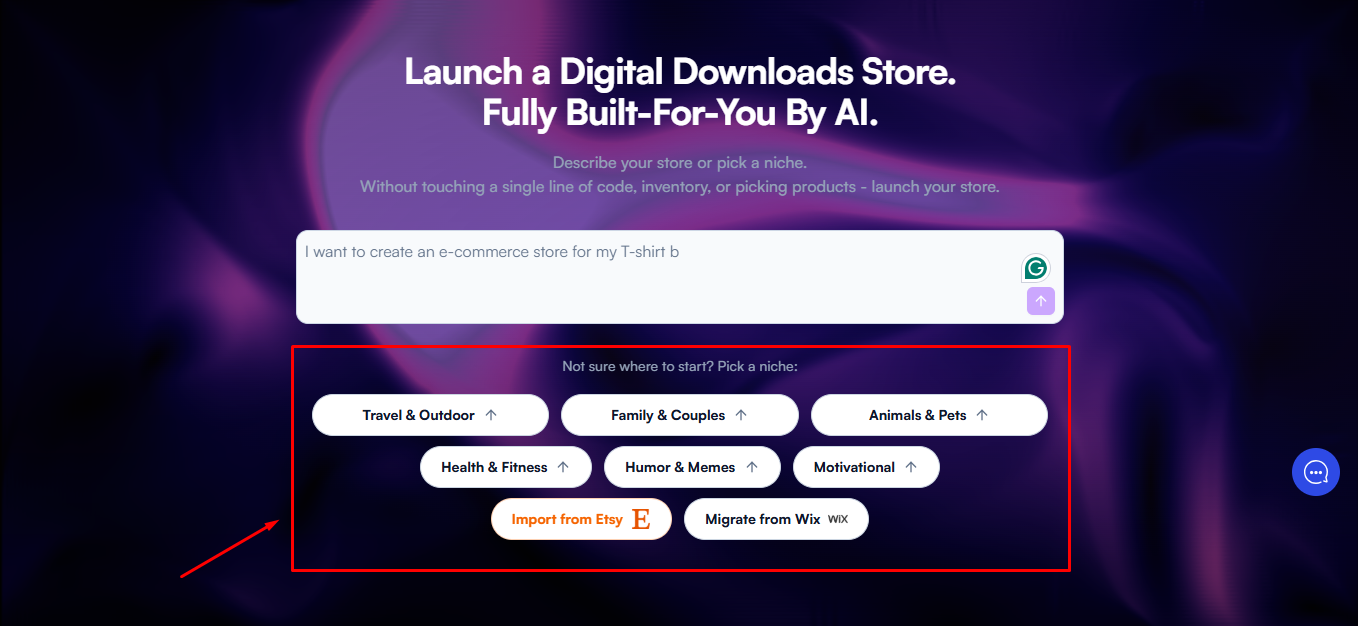
Set Up Using Our AI Tool:
- Enter your ideas in the box below, and our AI will generate smart suggestions for you to choose from and continue.
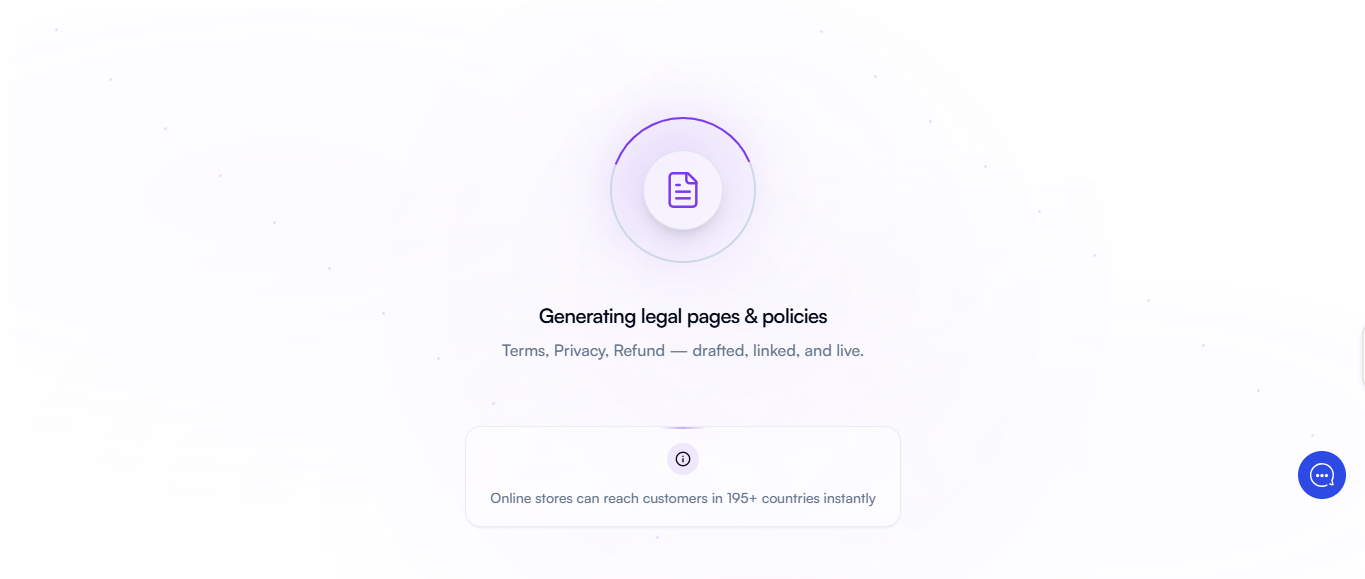
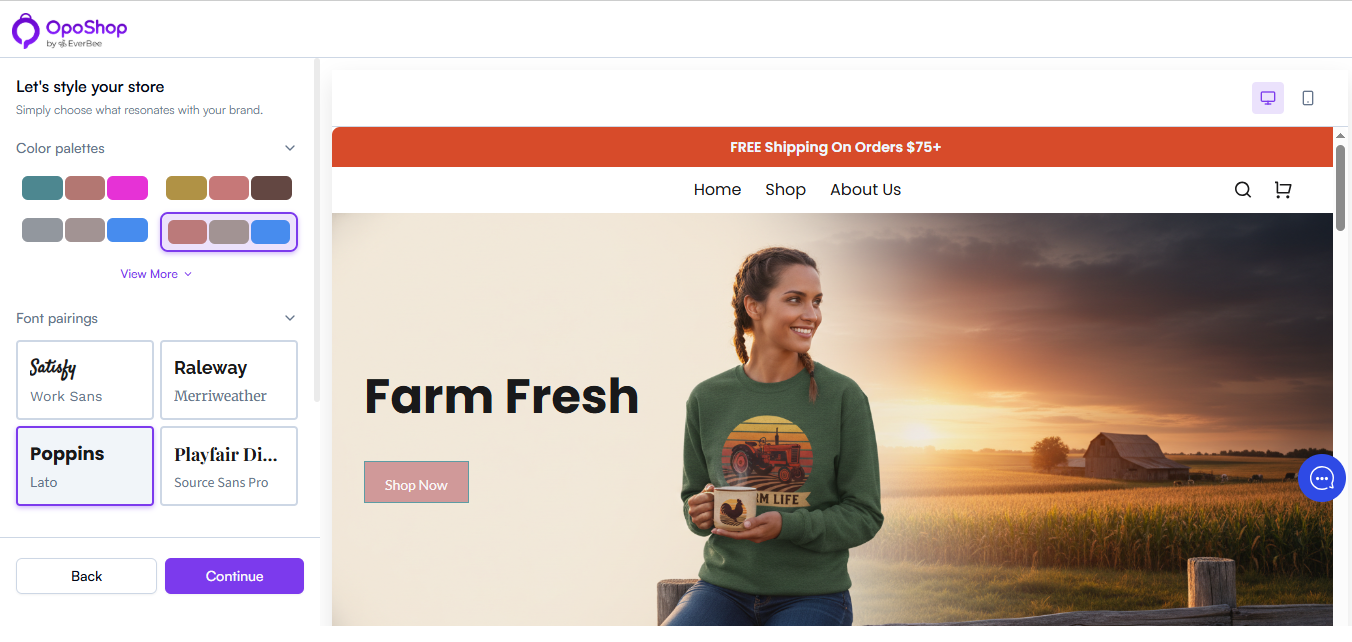
- Next, customize your site by choosing a color palette that suits your aesthetic.
- Followed by selecting a template that suits you and clicking on continue.
- Your store is ready! Now it's time to add products and start selling.
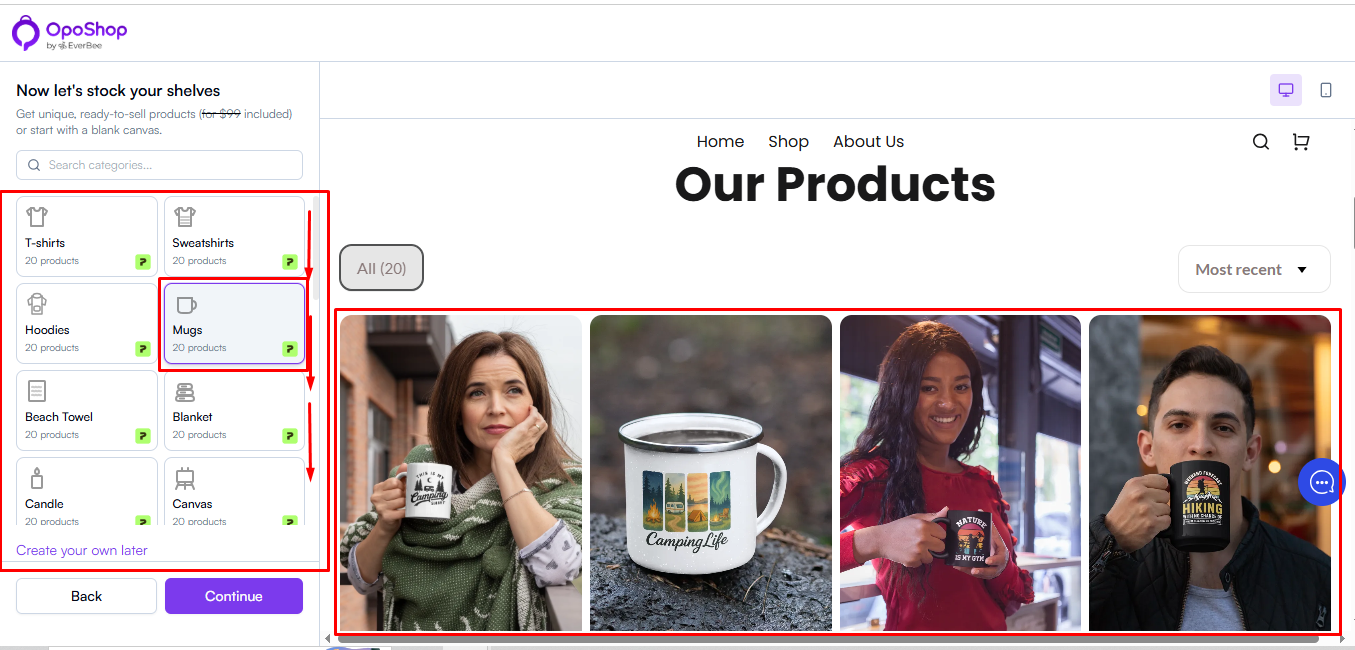
- Choose from a collection of unique, ready-to-sell digital products, or start from scratch and create something entirely your own.
- Browse the categories below to find the perfect products for your store and start selling faster.
- Click the Continue button to proceed with your store setup and complete the creation process.
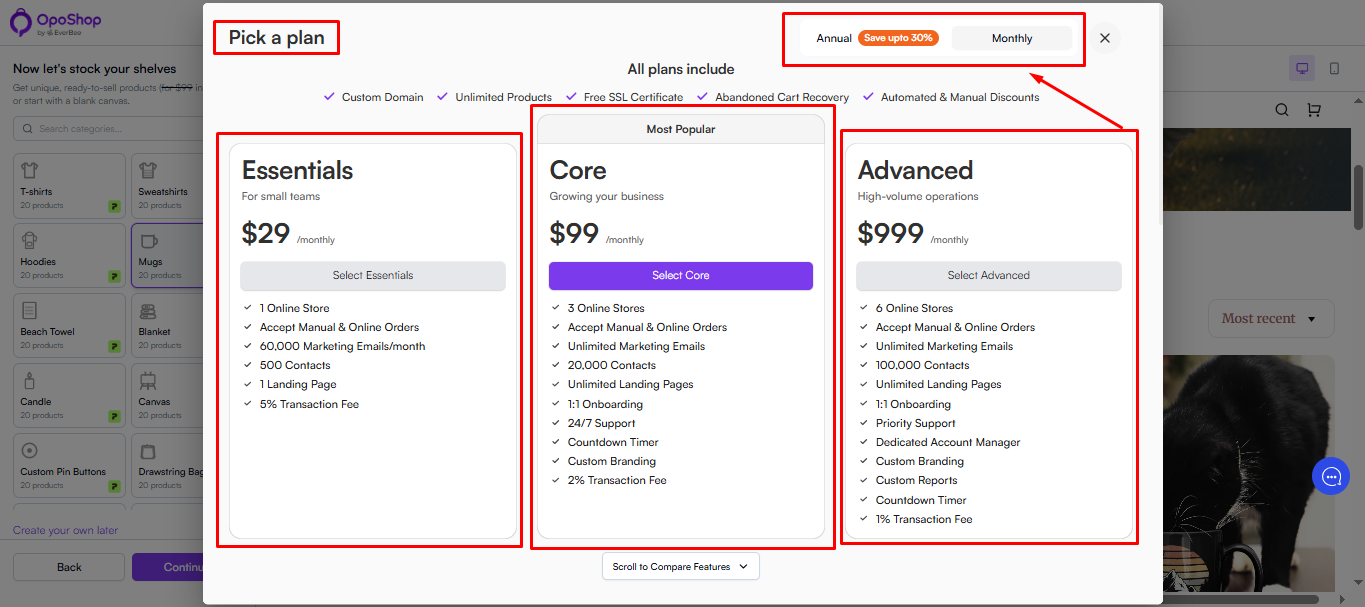
- Now, select your OpoShop subscription.
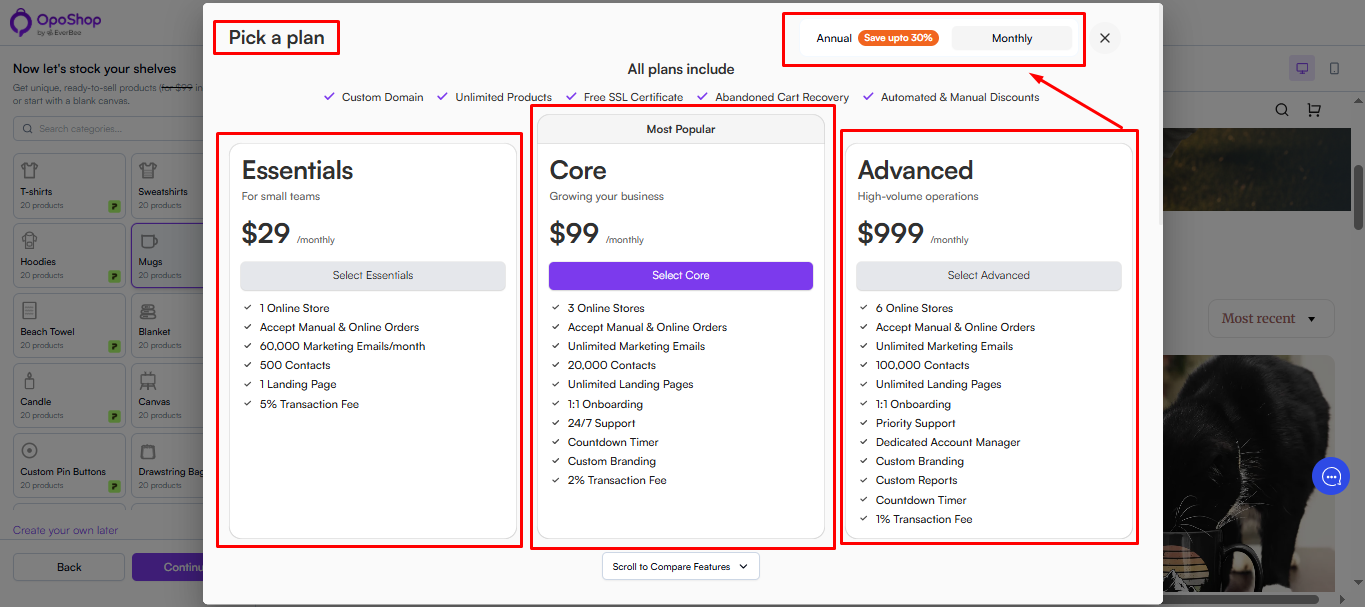
- Select the subscription that best fits your needs. You can choose between Monthly or Annual billing.
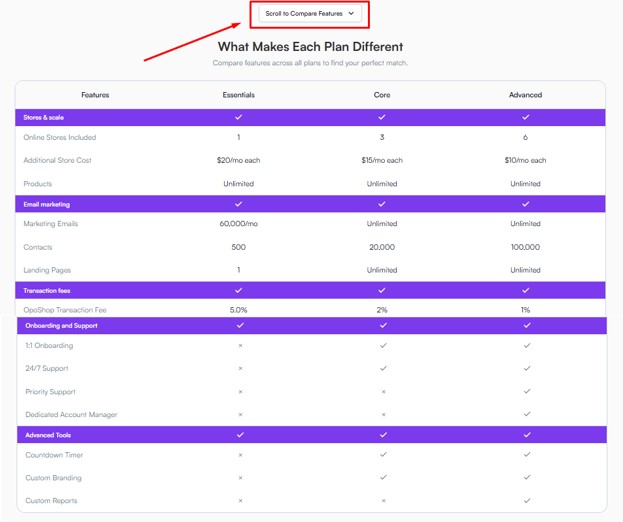
- Explore and compare features across all plans to find your perfect match.
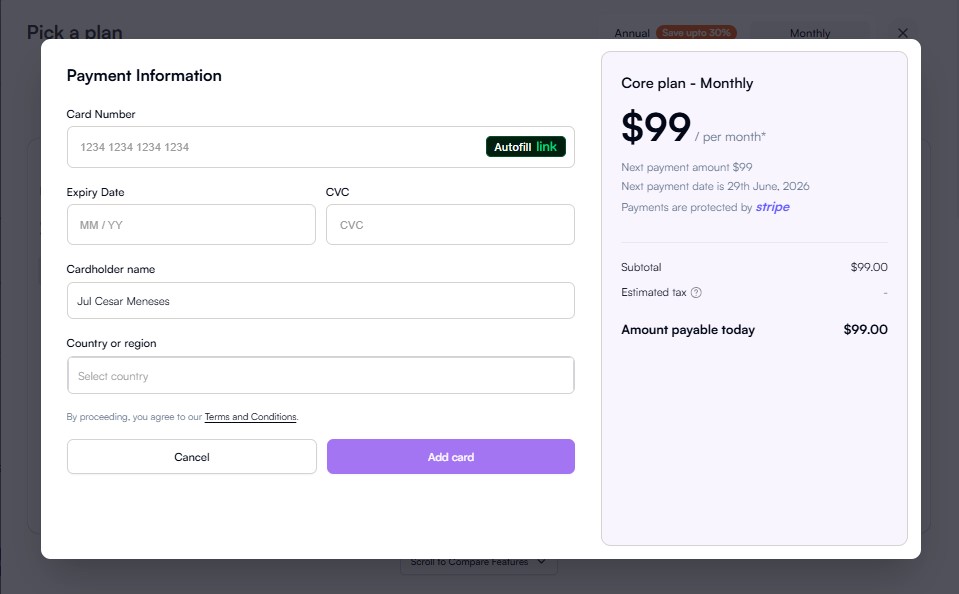
- Enter your payment details and complete your purchase.
Set Up Using Your Etsy:
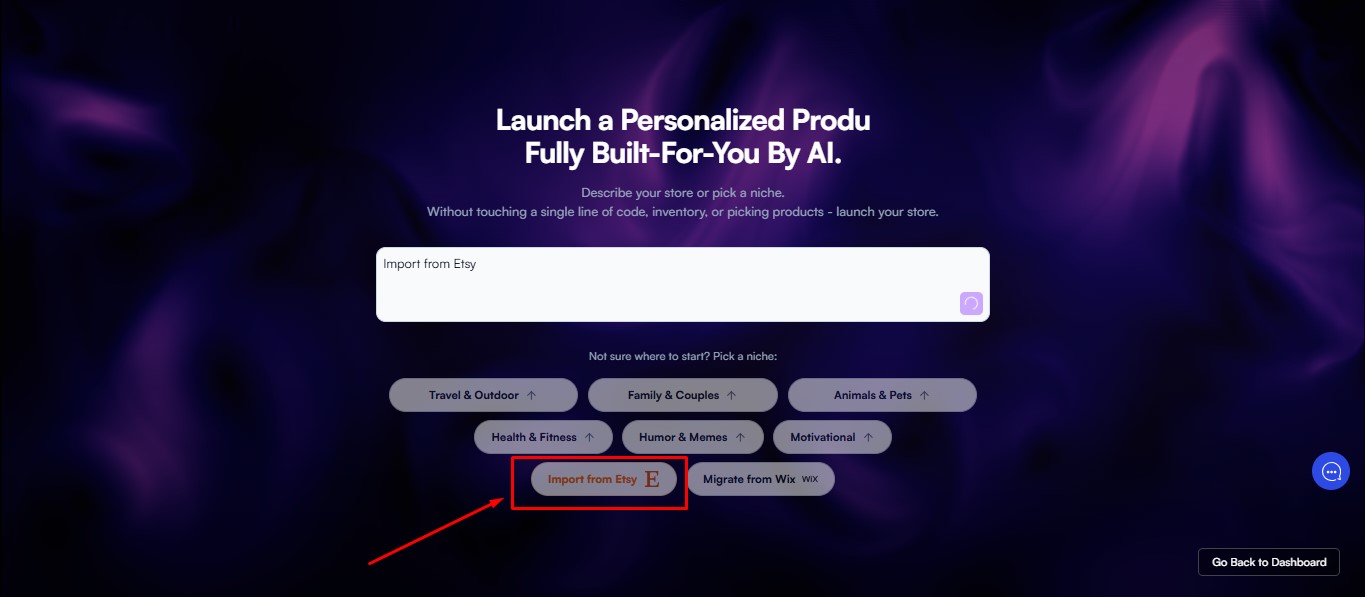
- From the home page, select your existing shop from Etsy
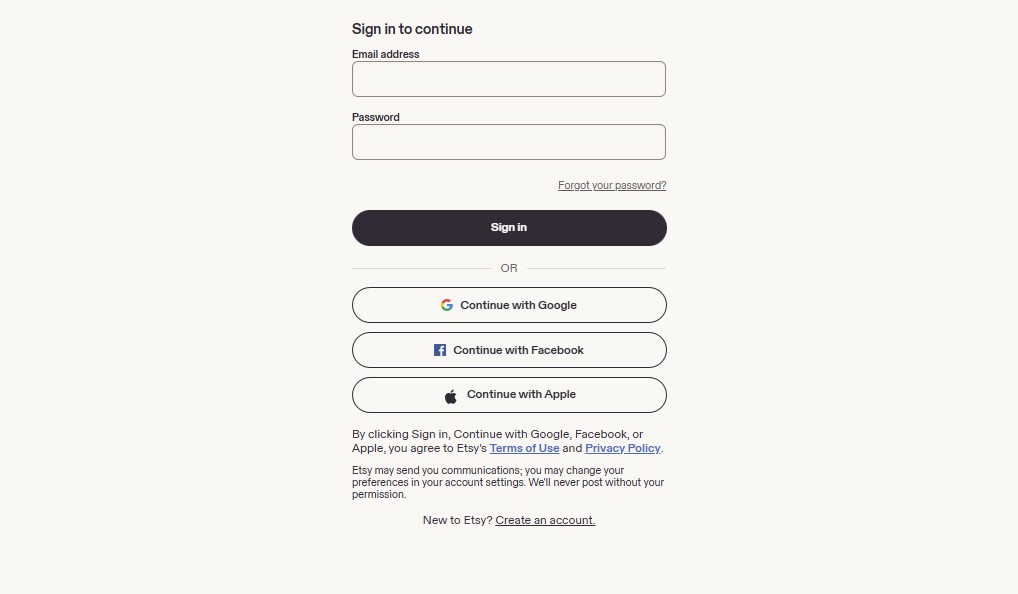
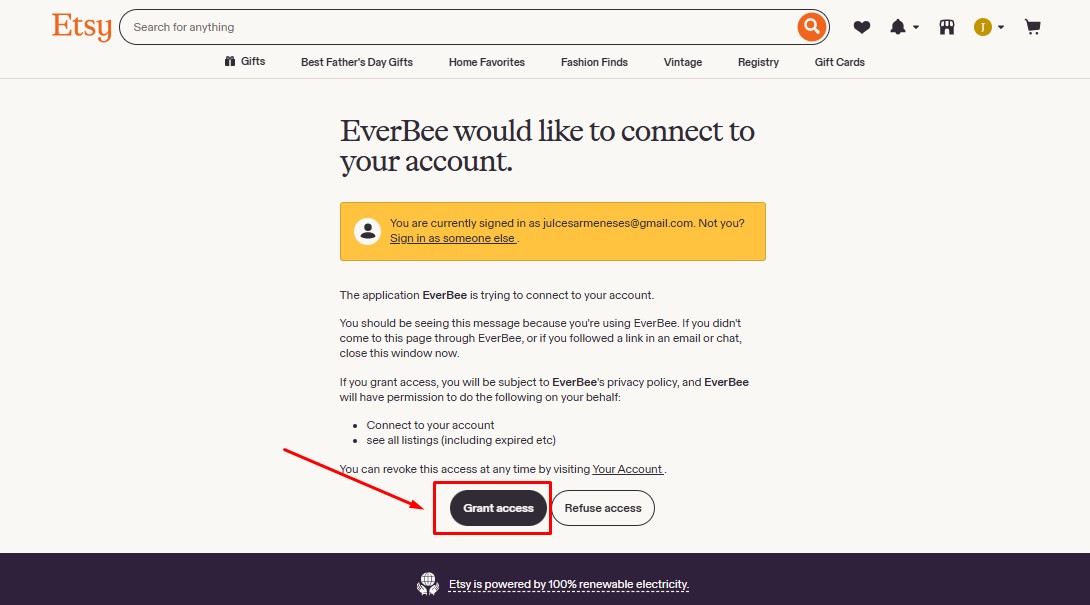
- You will be prompted to log in to your Etsy shop.
- Once you do, enter your Etsy shop credentials (email address and password), then follow the prompt.
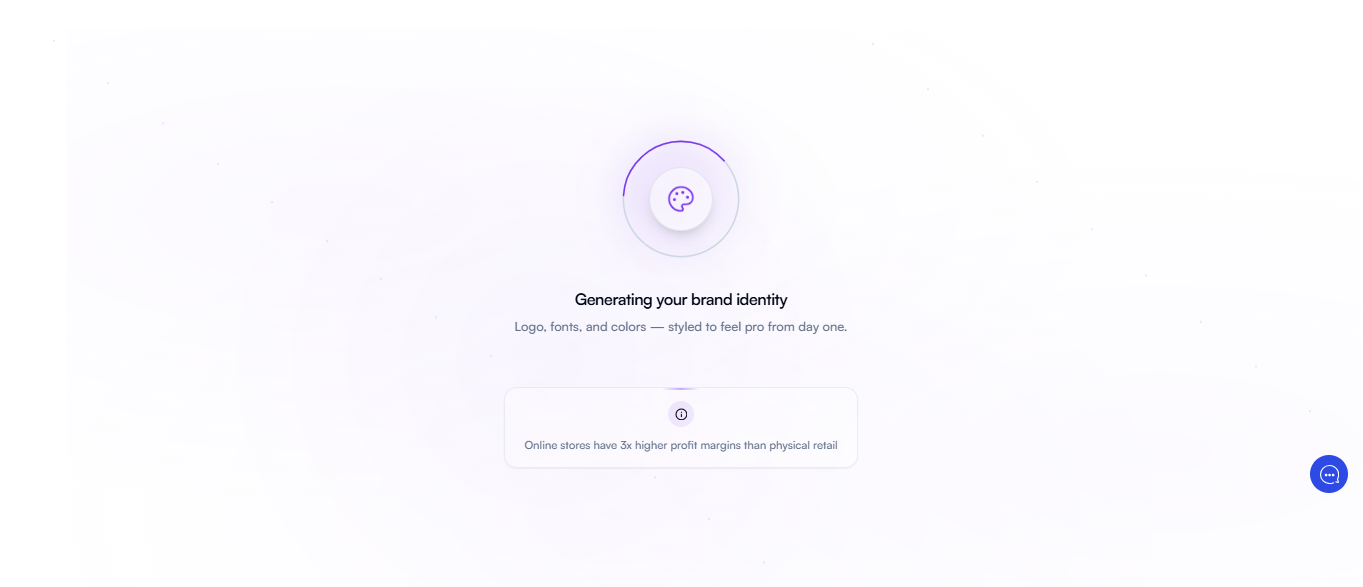
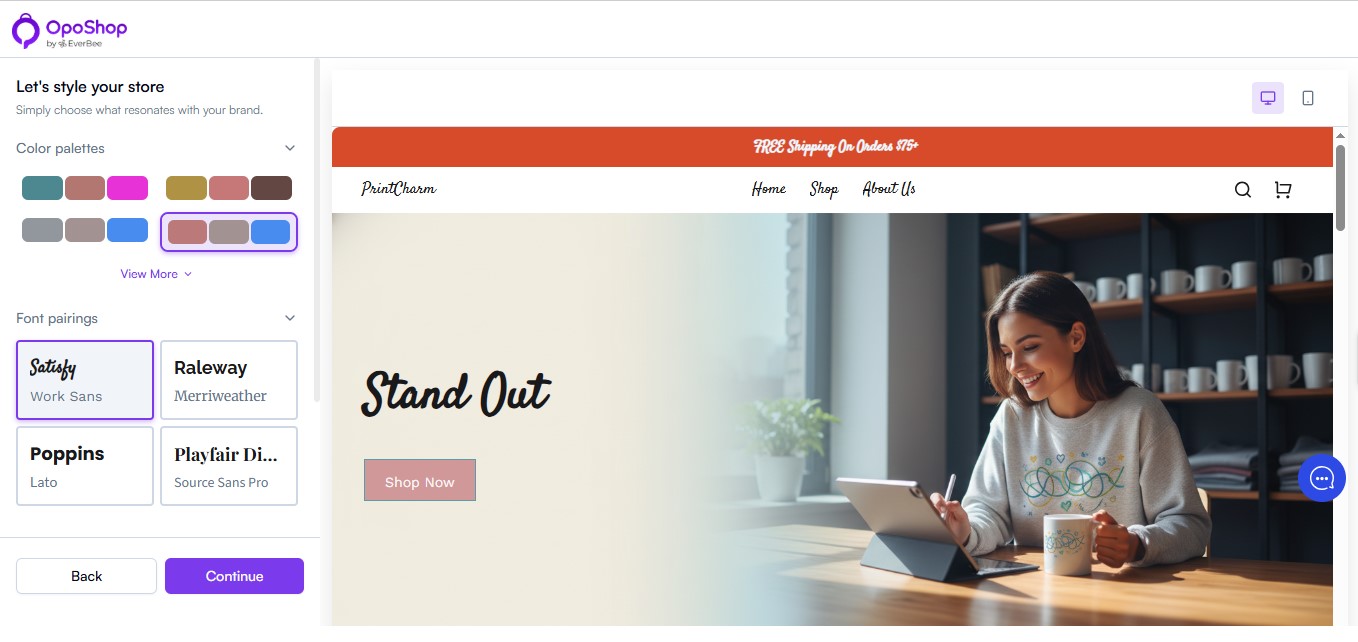
- Next, customize your site by choosing a color palette that suits your aesthetic.
- Followed by selecting a template that suits you and clicking on continue.
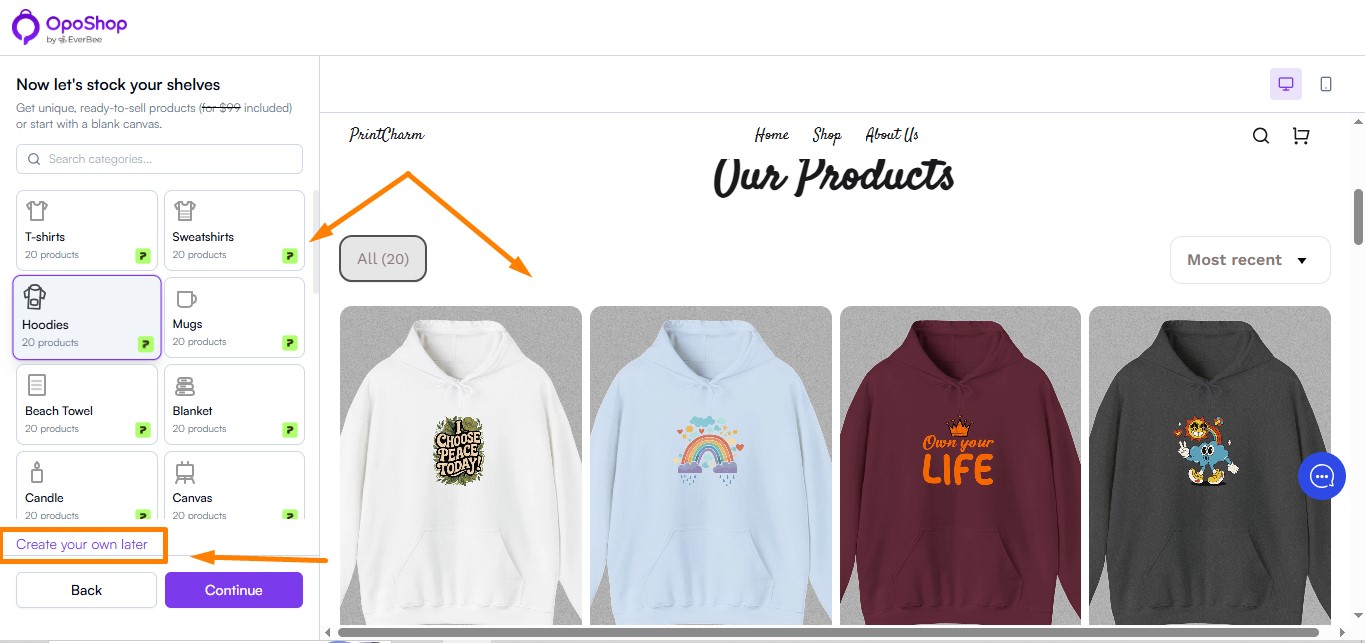
- Choose from a collection of unique, ready-to-sell digital products.
- In the next step, you can expand your product line in optional add-ons, done-for-you products that increase choice and drive higher sales. Or also, create your own later.
- Note: If you select any of this, it will add an additional cost on top of your subscription rate.
- Also, you'll need to set up or add an existing Printify account for those add-ons
- Click the Continue button to proceed if you want only your Etsy shop's products and to complete the creation process.
- Select your OpoShop subscription.
Set Up Using Your Wix:
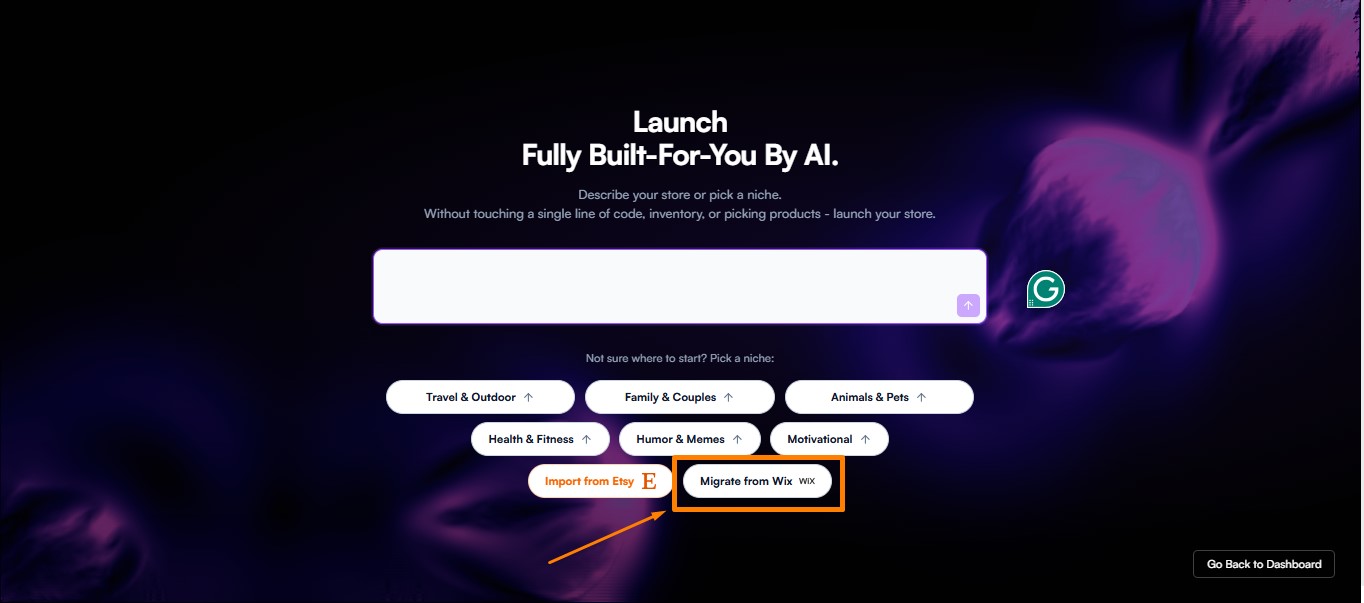
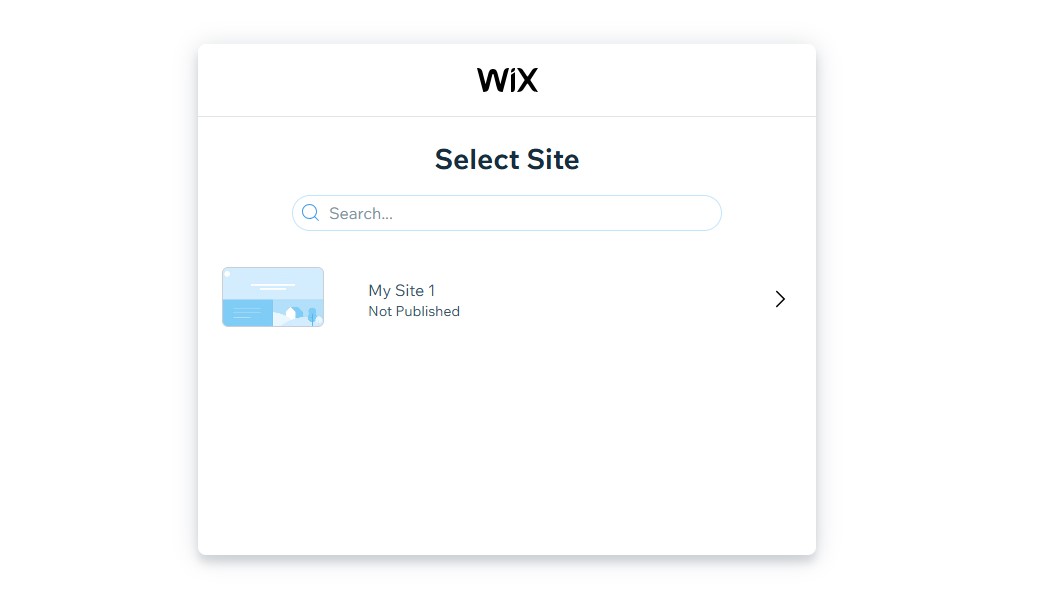
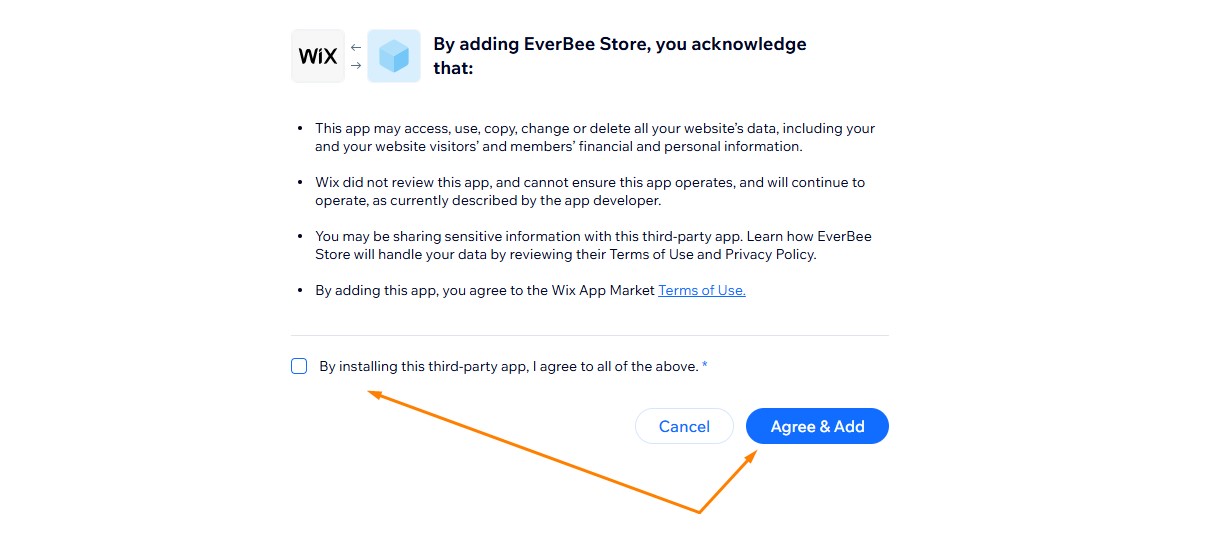
- From the home page, migrate using your account from Wix
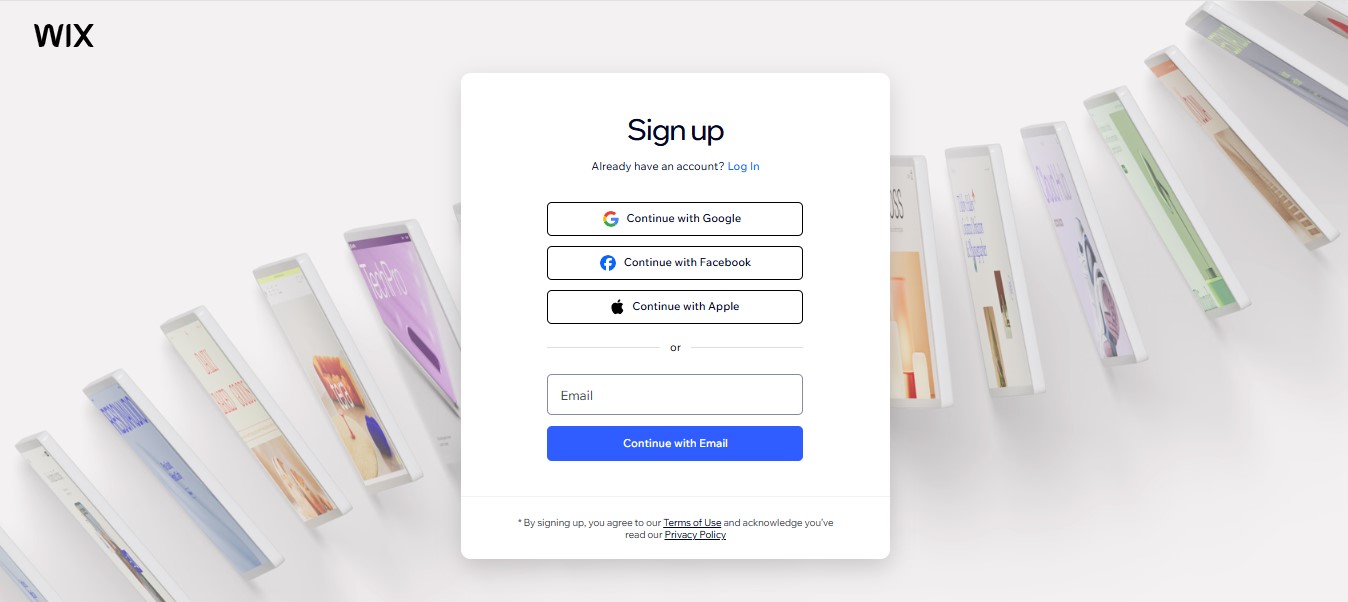
- You will be prompted to log in to your Wix account.
- Next, customize your site by choosing a color palette that suits your aesthetic.
- Followed by selecting a template that suits you and clicking on continue.